 Frelixor
Frelixor
Frelixor
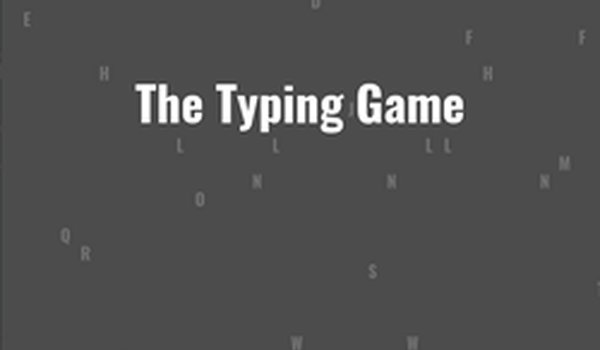
Keyboard Typing Speed Game delivers a straightforward typing challenge without unnecessary distractions. The two-mode structure gives players a choice between gradually increasing difficulty and a fixed one-minute pace. Accuracy tracking and the 98% leaderboard threshold encourage careful practice rather than frantic key mashing. The one-pause limit adds a small strategic element. It suits anyone looking for measurable typing practice in short sessions, though players seeking narrative or visual variety may find it minimal.
The Keyboard Typing Speed Game offers a progressive mode and a standard mode. In progressive mode, the pace gradually increases as you play, so the challenge builds over time. In standard mode, you set a target pace for a one-minute round, giving you control over the difficulty from the start. Both modes use the same core task: press the characters shown on screen before they reach the left edge.
Each correct keystroke earns points, and the game tracks your characters per minute (CPM) and accuracy. In progressive mode, every character carries a base score of 100 points, which is modified by zone and multiplier, plus an additional 10 points for each speed increase. In standard mode, you choose the pace for a one-minute round. To submit your CPM to the leaderboard, you must finish with at least 98% accuracy.
The game uses keyboard keys only. Press the characters shown on screen before they reach the left edge. The order of character input does not matter in either mode. You can pause once per session using the spacebar. Pressing Escape returns to the menu at any time, and pressing Tab while paused restarts the round. For more details, the in-game instructions button provides additional guidance.
This game is suitable for all ages and provides a constructive way to enhance keyboard skills. It focuses on finger placement, muscle memory, and rhythm rather than complex controls or story elements. Players who want measurable feedback on their typing speed and accuracy will find the CPM and accuracy tracking useful. The leaderboard adds a competitive layer for those who reach the 98% accuracy threshold.
Sign in to comment
You must be logged in before posting a review or rating.
No comments yet. Be the first to comment!









Editorial Notes