Coloring Book Puzzle Game
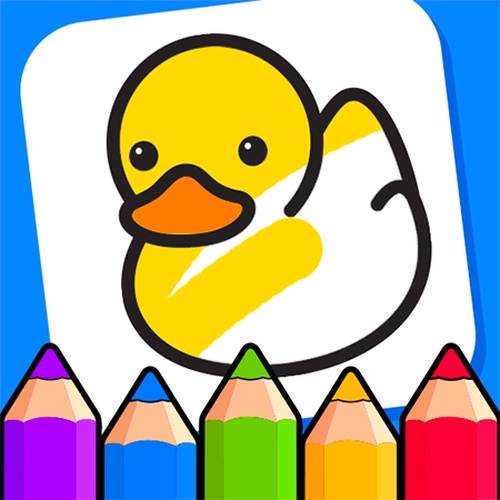
Coloring Book for Kids is a simple online puzzle game where you tap to fill pictures with color. It offers a relaxing and creative experience for all ages, perfect for unwinding or keeping young children entertained without stress.
Reviews
Simple and calming coloring game. Easy controls and nice variety of pictures. Great for kids and adults.
About this game
Game Introduction
Coloring Book for Kids is an online puzzle game that brings the joy of coloring to your screen. Players choose from a palette of colors and tap on outlined areas to fill them in. The game features simple, intuitive controls that make it easy for anyone to start creating. There are no timers or scores, allowing you to relax and focus on the artistic process. Each picture becomes a vibrant masterpiece as you experiment with different color combinations. This game is designed to be accessible and enjoyable for young children and adults alike, providing a peaceful break from daily routines.
How to Play
To play, simply click or tap on the screen. Select a color from the palette, then tap the area you want to color. The game responds instantly, filling the selected region with your chosen hue. You can change colors at any time and undo mistakes if needed. There are no complex rules or instructions to follow. Just let your creativity guide you as you bring black-and-white outlines to life. The controls are responsive and designed for touch screens, making it ideal for tablets and smartphones. Beginners can start coloring right away without any prior experience.
Game Features
Creative and relaxing gameplay for all ages. Simple tap controls that are easy to learn. No timers or scores, so you can color at your own pace. Wide variety of pictures to color and explore. Helps develop fine motor skills and color recognition in children. Accessible on mobile devices and computers for convenient play.
Tips for Success
Take your time to explore different color combinations to make each picture unique. If you make a mistake, use the undo feature to correct it without starting over. Experiment with both light and dark shades to add depth to your artwork. For young children, start with simple pictures with larger areas to build confidence. Coloring regularly can improve focus and relaxation, so set aside a few minutes each day to enjoy the process.
Compatibility
💻 Desktop | 📱 Mobile | 📟 Tablet – All supported · Best with Chrome or Safari