Typing Speed Challenge
The Typing Game Online is a browser-based typing practice tool. It helps players increase their typing speed and accuracy through two distinct game modes. Suitable for all ages, it offers a leaderboard to track progress and challenge friends.
Reviews
Clean interface and responsive controls. A solid tool for improving typing speed and accuracy.
About this game
Game Introduction
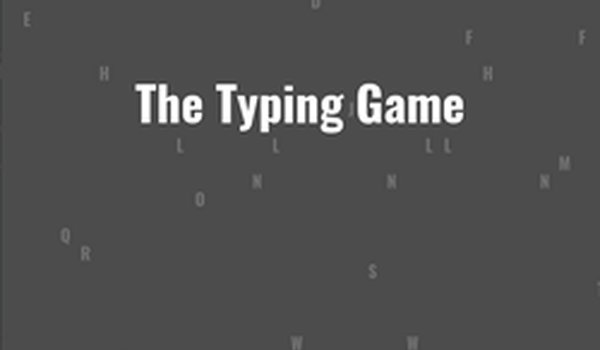
The Typing Game Online is a browser-based activity designed to help players improve their typing speed and accuracy. It presents a sequence of random characters that must be pressed before they reach the left edge of the screen. The game offers two modes: progressive mode, where the speed gradually increases, and standard mode, where players set a target pace for one minute. Each correct keystroke earns points, and the game tracks characters per minute (CPM) and accuracy. When a player achieves 98% accuracy, their score is submitted to the leaderboard. This game is suitable for all ages and provides a constructive way to enhance keyboard skills.
How to Play
Players press the characters shown on screen before they reach the left edge. The spacebar can be used to pause the game once per session. Pressing Escape returns to the menu at any time, or Tab while paused restarts. In both modes, the order of character input does not matter. In progressive mode, each character earns a base score of 100 points, modified by zone and multiplier, plus 10 points for each speed increase. In standard mode, you choose the pace for a one-minute round. To submit your CPM to the leaderboard, finish with at least 98% accuracy. For more details, check the instructions button in the game.
Game Features
Fast-paced typing challenge with leaderboard support. Two game modes: progressive and standard. Tracks accuracy and characters per minute. One pause allowed per game. Simple controls using keyboard keys only.
Tips for Success
Practice regularly to improve finger placement and muscle memory. Focus on accuracy first, as high accuracy is required for leaderboard submission. In progressive mode, try to maintain a steady rhythm as speed increases. In standard mode, choose a pace that challenges you without causing errors. Use the pause feature strategically to rest your hands. Review your CPM and accuracy after each round to identify areas for improvement.
Compatibility
━━━━━━━━━━━━━━━━━━━━━━━━━━━━━━━━━ 📱 Play on Any Device | Chrome / Safari / Edge Recommended ━━━━━━━━━━━━━━━━━━━━━━━━━━━━━━━━━